Introduction
Do you remember what your 400m pace was three months ago? What was your total weekly swimming volume? After which workout did your shoulder start to ache?
If you can’t answer these questions, your training may be happening “in the dark.” Training logs aren’t just a habit—they’re the key tool that elevates training from “feels like I’m training” to “effectively improving.” Logging lets you see the patterns behind the numbers, know which training strategies work and which don’t, and make early adjustments when problems begin to surface.
This article introduces various methods for logging swimming training, from the simplest handwritten journals to digital tools, so you can choose the approach that best fits your lifestyle and start logging.
Core Items to Track in Training Logs
Regardless of the format you use, here are the essential fields for a swimming training log:
| Log Item | Description | Why It Matters |
|---|---|---|
| Date and Duration | Basic training information | Calculate weekly training frequency |
| Total Swimming Distance | Total volume for the session (meters) | Monitor weekly training load fluctuations |
| Main Workout Content | E.g., 8×100m, 30s rest between sets | Review training structure retrospectively |
| Pace/Time | Actual results for key sets | Assess fitness improvements |
| Subjective Fatigue (RPE 1–10) | Overall perceived exertion | Early detection of overtraining |
| Physical Condition Notes | E.g., “left shoulder discomfort,” “poor sleep” | Injury prevention and recovery tracking |
| Technique Notes | Specific technical points to focus on that session | Track technical improvement trajectory |
Each log entry doesn’t need to be long—3–5 minutes is enough—but the accumulated data is extremely valuable.
Choosing a Logging Tool
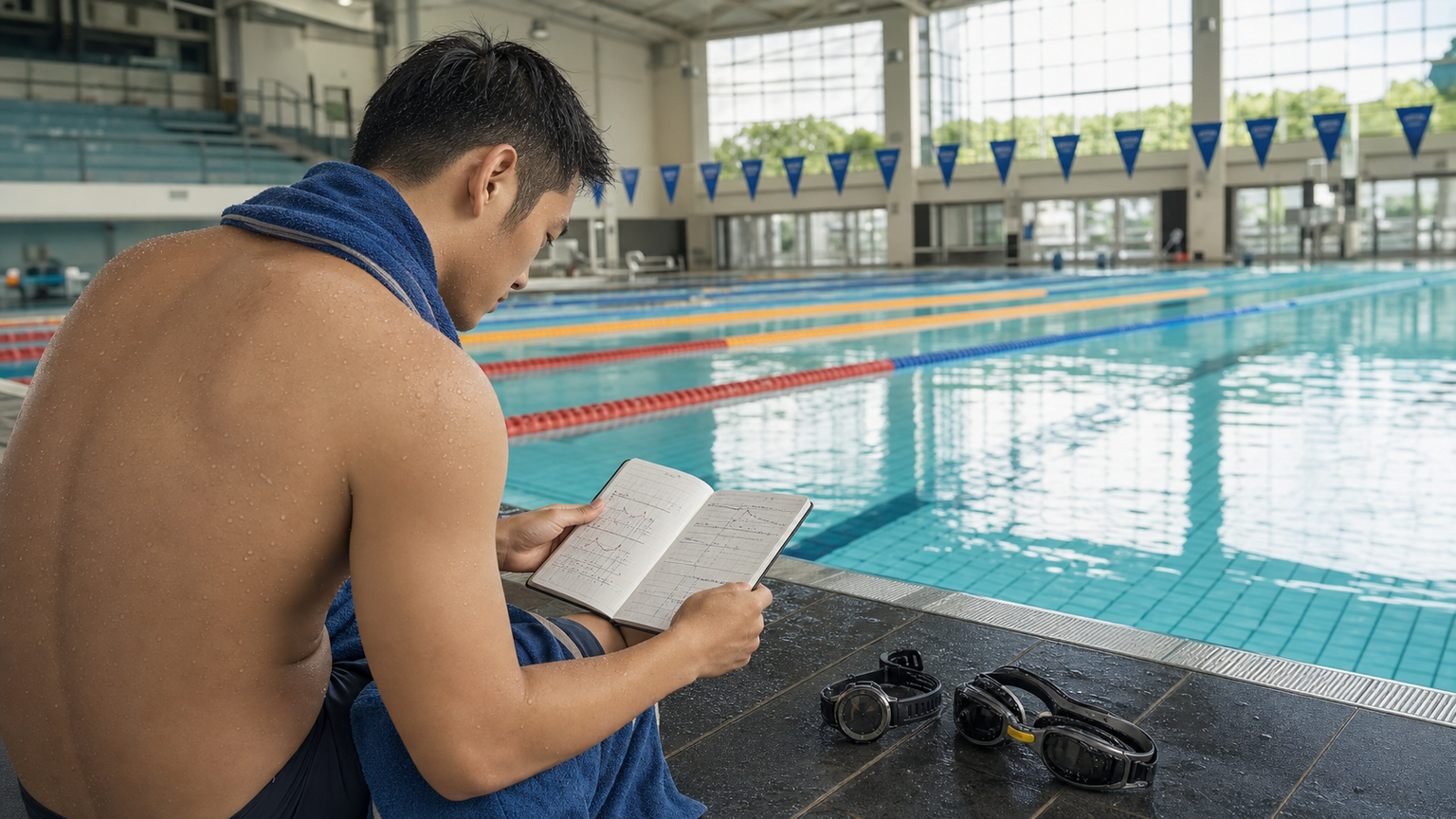
Method 1: Handwritten Training Journal
The lowest-tech option, suitable for swimmers who prefer not to use apps or digital tools:
- Use an A5-sized notebook, dedicating one page per training session
- Fixed format: date, weather, physical condition, workout, pace results, feelings
- Pros: The act of writing itself is a reflective process that deepens training awareness
- Cons: Not easy to perform statistical data analysis
Recommended Format (can be photocopied or drawn):
Date: ____  Water Temperature: ____  Pool: ____
Physical Condition (1–10): ____  Sleep: ____ hours
Workout:
  Warm-up: ____________
  Main Set: ____________
  Supplementary: ____________
  Cool-down: ____________
Total Volume: _____ m  Total Duration: _____ minutes
Key Pace: ____________
RPE: ____  Technique Notes: ____________
Today's Reflections: ____________
Method 2: Sports Watch + App Sync
For swimmers with a Garmin, Apple Watch, or COROS watch, swimming logs can be completed automatically by the watch:
- Garmin Swim 2 / Forerunner series: Automatically detects stroke type, counts stroke rate, and records per-lap pace
- Apple Watch Ultra: 50m water resistance, complete swimming mode, syncs with iPhone
- COROS PACE 3: Great value for money, with complete swimming log features
Watches automatically record objective data (pace, stroke rate, SWOLF index), but subjective feelings and technique notes need to be added manually—combining with a handwritten memo is recommended.
SWOLF Index (swimming efficiency metric) = stroke count per 25m + time in seconds. A lower SWOLF indicates higher swimming efficiency, making it a great metric for tracking technical improvement.
Method 3: Digital Spreadsheets (Google Sheets / Excel)
Suitable for swimmers who enjoy data analysis:
- Create line charts of weekly training volume to visually identify increasing or decreasing trends
- Log personal best (PB) times for various distances, with automatic indicators for new PBs
- Calculate the ratio of “Acute Training Load (ATL)” to “Chronic Training Load (CTL)” as a quantitative overtraining indicator
Method 4: TrainingPeaks / Strava
Advanced digital tools, suitable for swimmers with specific competition goals:
- TrainingPeaks: Set training goals, upload plans, track ATL/CTL/TSB, and coaches can view remotely
- Strava: Strong social features, allows tracking friends’ progress, but swimming features are less comprehensive than running
How to Use Logs to Adjust Your Training Plan
The purpose of logging lies in “using” the data. Here are several ways to use training logs to adjust your plan:
Weekly Review: Spend 5 minutes every Sunday reviewing the week’s training volume, average RPE, and pace trends. If RPE keeps rising but pace isn’t improving, fatigue is accumulating.
Monthly Assessment: Perform a 400m time trial each month and compare it with the previous month. If pace hasn’t improved or has regressed, review that month’s training logs to identify possible causes (too much volume, insufficient intensity, sleep issues).
Injury Tracking: Whenever physical discomfort occurs, immediately record the location and pain level (1–10), along with the training content of that session. This often reveals the training triggers for injuries, helping you avoid repeating the same mistakes.
Practical Tips
- In the first week of logging, don’t chase a perfect format—first build the habit of “jotting down a few key numbers after every session”
- Some sports centers across Taiwan have pool entry/exit management systems that record entry times, which can serve as supplementary records for training frequency
- Periodically screenshot good paces from your training log and save them to your phone as a confidence booster during race preparation
Conclusion
Keeping a swimming training log is a commitment to yourself—a commitment that every session deserves to be remembered, analyzed, and learned from. Starting today, log every swim using whatever method you can sustain. Months from now, when you look back at those numbers, you’ll clearly see how far you’ve come—and you’ll have a clearer sense of where to go next.
Related Reading
- Swimming Training Logs: Key Data for Recording and Tracking Swimming Progress
- Designing Swim Test Sets: Standardized Workouts for Periodic Progress Assessment
- Post-Race Swim Performance Analysis: A Systematic Approach to Identifying Technical Errors via Video Review
- The Importance of Cycling Training Logs: How to Record and Analyze Your Progress
西進武嶺 免費訓練分析服務 Intervals | 練不夠還是練過頭?你哪一種類型選手?AI模型告訴你! | 備戰神器 | 公路車 訓練 | CT Yeh
4 年前
西進武嶺 自製新版AI配速表產生器 x 賽前攻略 抱佛腳! 沒有功率計也可以產生配速表嗎?有什麼其他眉角賽前要注意的呢? | 西進武嶺 / 東進武嶺 KOM 攻略 | 公路車 | CT Yeh
4 年前
[教學] Premiere 影片 手震 修正 教學 防抖 單眼 影像 GoPro 穩定 Video Stabilization
8 年前
單車AI教練!全新 ChatGPT4o 幫你分析訓練成果!排武嶺課表,分析騎車姿勢! 太神了! / 公路車 / CT Yeh / feat. 緯緯
2 年前
#公路車 #Fitting 靠人工智慧APP 幫你調整單車
6 年前
Live) 備戰2019彰化經典百K 賽前攻略 (已完賽請看新影片
7 年前
西進武嶺配速器 3.0更新 / NEW 免功率FTP估算! / 大數據xAI體能模型 / 如何模擬人止關前集團效應 / 配速儲存功能 / AI全台自行車賽事行事曆 / 公路車 / CT Yeh
1 年前
DJI OSMO 360單車攝影 教學&技巧分享 / 概念、攝影手法、架設、後製 / 公路車 / CT Yeh
10 個月前