Why Customize Your Data Pages?
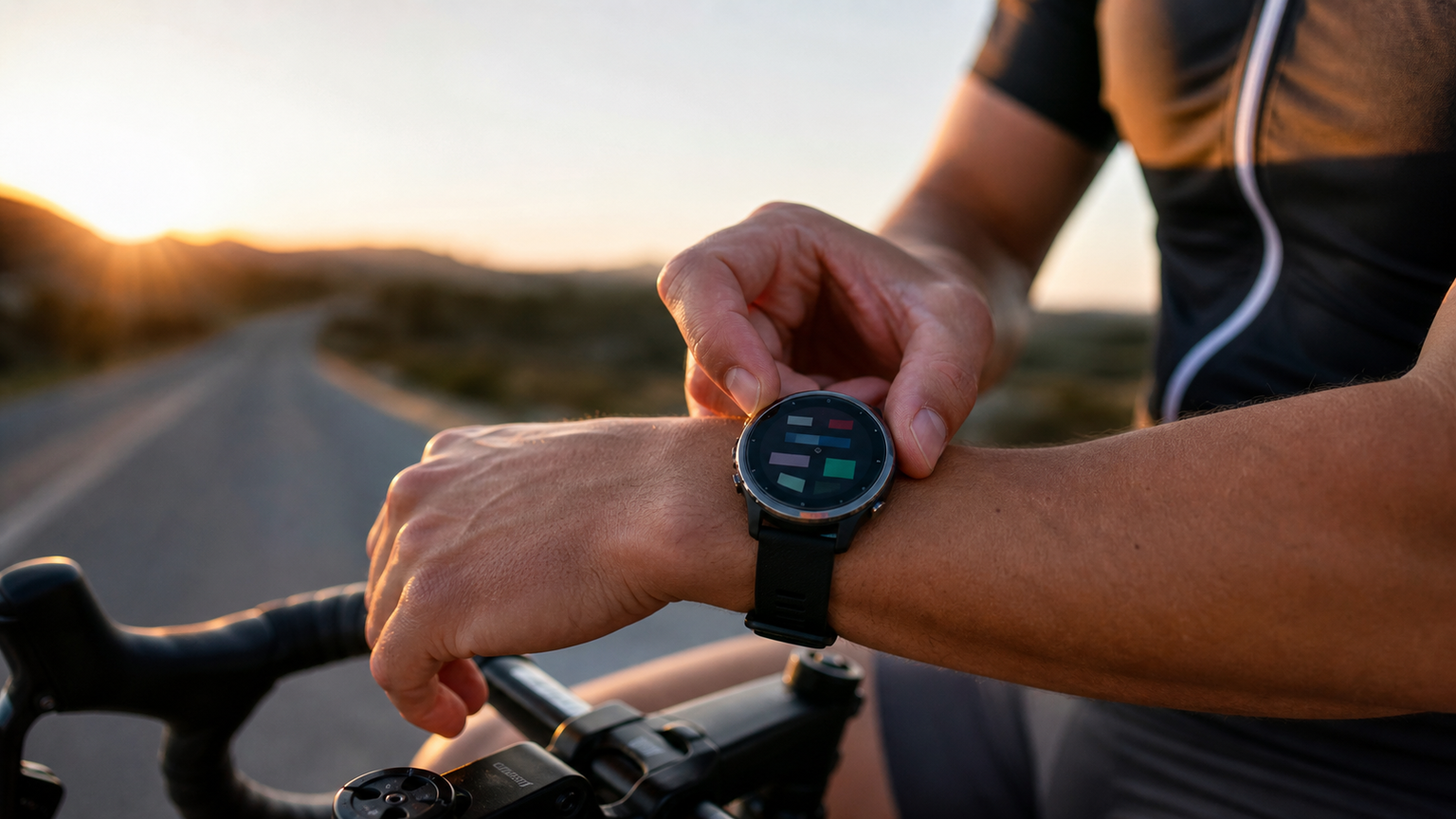
Most athletes who buy a high-end GPS watch never enter the “Data Page Settings” menu. The default configuration tries to satisfy everyone, and the result is:
- Fonts too small to see during a race
- Displayed data irrelevant to current needs
- Too many button presses to switch pages
Customizing data pages = turning your watch into your personal coach.
Design Principles
1. Maximum 4 Data Fields Per Page
More than that becomes 6 small text blocks, impossible to read while cycling or running. Prioritize:
- Primary metric: 1 large field (taking up half the screen)
- Secondary metrics: 3 small fields
2. One Purpose Per Page
Don’t mix “real-time performance” with “cumulative statistics” on the same page. Recommended page logic:
- Page 1: Current performance (pace / power / heart rate)
- Page 2: Cumulative progress (distance completed / time / average)
- Page 3: Lap statistics (last 1km / 5km)
- Page 4: Elevation / environment (climbing / temperature / wind)
3. Sort by Frequency of Use
Put the “most frequently viewed page” first. For most people, that’s “real-time pace + heart rate + distance completed” — these three must be on Page 1.
Recommended Configurations by Discipline
Running Training: Threshold Run
Page 1 (Main):
- Large field: Current pace
- Small fields: Heart rate, target pace, cumulative distance
Page 2 (Lap Statistics):
- Large field: Average pace for current lap
- Small fields: Current lap time, current lap distance, current lap max heart rate
Page 3 (Recovery):
- Heart rate + heart rate from 1 minute ago (to observe recovery speed)
- Cumulative ascent, outdoor temperature
Running Race: Marathon
Page 1 (Main):
- Large field: Current pace
- Small fields: Heart rate, total time, distance completed
Page 2 (Prediction):
- Estimated finish time
- Distance to finish
- Average pace
- Target pace difference
Page 3 (Nutrition Reminder):
- Time since last refuel (custom timer)
- Fluid intake amount (some watches support manual fluid logging)
Triathlon Bike Leg
Page 1 (Main):
- Large field: 3-second average power
- Small fields: Heart rate, speed, target IF
Page 2 (Climbing Specific):
- Current gradient
- Distance to summit (if a route is loaded)
- Heart rate
- Power
Page 3 (NP Monitoring):
- Normalized Power
- Distance completed
- Elapsed time
- Average speed
Triathlon Swim Leg
Page 1 (Simplified):
- Large field: Cumulative time
- Small fields: Cumulative distance (supported on some watches), heart rate (if using an arm strap)
Note: Pool mode can display stroke rate, but in open water, less data is better (just a quick glance while breathing).
Detailed Lap (Auto Lap) Settings
Lap Types
- Distance Lap: Auto-lap every X kilometers
- Time Lap: Auto-lap every X minutes
- Position Lap: Lap at specific GPS points (e.g., race course start)
- Manual Lap: Trigger manually with the Lap button
Lap Recommendations by Training Type
| Training Type | Lap Setting |
|---|---|
| Long-distance aerobic | Every 5 km |
| Marathon pace | Every 1 km |
| Threshold run | Manual (per interval) |
| Interval run | Time lap (e.g., every 30 seconds) + manual override |
| Cycling training | Every 5 km |
| Cycling race | Every 10 km (70.3) or every 20 km (IRONMAN) |
| Pool swimming | Automatic (by pool length) |
| Open-water swimming | Manual (per turn-around) |
Post-Race Lap Data Analysis
The value of lap data lies in post-race analysis:
- Is pace stable across each 5km lap (pace drift)
- Is heart rate gradually rising (fatigue signal)
- Is power declining (bike leg intensity too high)
After the race, review lap charts on analysis platforms (e.g., Strava, TrainingPeaks) to identify “where you slowed down.”
Alert Settings
Heart Rate Zone Alerts
Set zones 1-5, vibrate when outside the target zone:
- Z1: Recovery run (< 70%)
- Z2: Aerobic base (70-80%)
- Z3: Tempo (80-87%)
- Z4: Threshold (87-93%)
- Z5: VO2max (> 93%)
Recommended alert delay: 30 seconds (to avoid vibrating on brief excursions).
Pace Alerts
For marathon events, set a tolerance zone of ±15 seconds/km. Vibrate if you slow down or speed up too much, preventing unintentional fading or starting out too fast.
Nutrition Reminders
Some watches support time-based reminders: set a vibration every 30 minutes to remind you to refuel. Essential for long-distance events.
Advanced: Custom Data Fields
High-end watches (e.g., Garmin Connect IQ) support third-party data fields. Common useful fields:
- Stryd Power: Running power (requires Stryd sensor)
- Pace Pro: Automatically adjusts pace suggestions based on gradient
- TSS (Training Stress Score): Real-time training stress
- Garmin Coach: Real-time guidance based on training plan
Pre-Race Checklist
One week before the race:
- [ ] Confirm all data pages display correctly
- [ ] Heart rate strap and power meter are paired
- [ ] Alert volume and vibration tested (recommend vibration only, to avoid disturbing others)
- [ ] Auto-lap settings are correct
- [ ] Battery sufficient for the race + 30% buffer
Race day:
- [ ] Start GPS 5 minutes before the start (ensure stable signal)
- [ ] Confirm watch mode is Multisport / corresponding event
- [ ] Final check before start: currently displaying Page 1 (main page)
Conclusion
A watch isn’t better just because it’s more expensive — it’s more useful the more precisely it’s configured. A well-configured NT$ 12,000 mid-range watch will be more practical than a NT$ 25,000 flagship watch with default settings. Spending 1 hour at the start of each season to re-check all pages and alerts is the key to making your gear truly work for you.
Related Reading
- Complete Guide to Advanced GPS Running Watch Features: Training Readiness, Recovery Suggestions, and Fitness Tracking
- Advanced GPS Running Watch Features Explained: Route Navigation, Training Suggestions, and Health Monitoring
- GPS Running Watch Features Explained: Heart Rate, Cadence, and Vertical Oscillation
- Open-Water Swim Pacing: GPS Timing vs. Perceived Effort Strategy Comparison
西進武嶺 免費訓練分析服務 Intervals | 練不夠還是練過頭?你哪一種類型選手?AI模型告訴你! | 備戰神器 | 公路車 訓練 | CT Yeh
4 年前
單車AI教練!全新 ChatGPT4o 幫你分析訓練成果!排武嶺課表,分析騎車姿勢! 太神了! / 公路車 / CT Yeh / feat. 緯緯
2 年前
西進武嶺 自製新版AI配速表產生器 x 賽前攻略 抱佛腳! 沒有功率計也可以產生配速表嗎?有什麼其他眉角賽前要注意的呢? | 西進武嶺 / 東進武嶺 KOM 攻略 | 公路車 | CT Yeh
4 年前
#公路車 #Fitting 靠人工智慧APP 幫你調整單車
6 年前
武嶺配速表最佳使用方式 #bike
1 年前
西進武嶺配速器 3.0更新 / NEW 免功率FTP估算! / 大數據xAI體能模型 / 如何模擬人止關前集團效應 / 配速儲存功能 / AI全台自行車賽事行事曆 / 公路車 / CT Yeh
1 年前
2025 自行車錶排行榜 兩萬車友大數據 / Garmin Bryton 排名會大洗牌嗎? / 全新的碼表前身分析 /公路車 / CT Yeh
1 年前
[教學] Dashware 教學 如何製作有 速度 功率 心律的 騎車影片 Guages Video
8 年前