Introduction
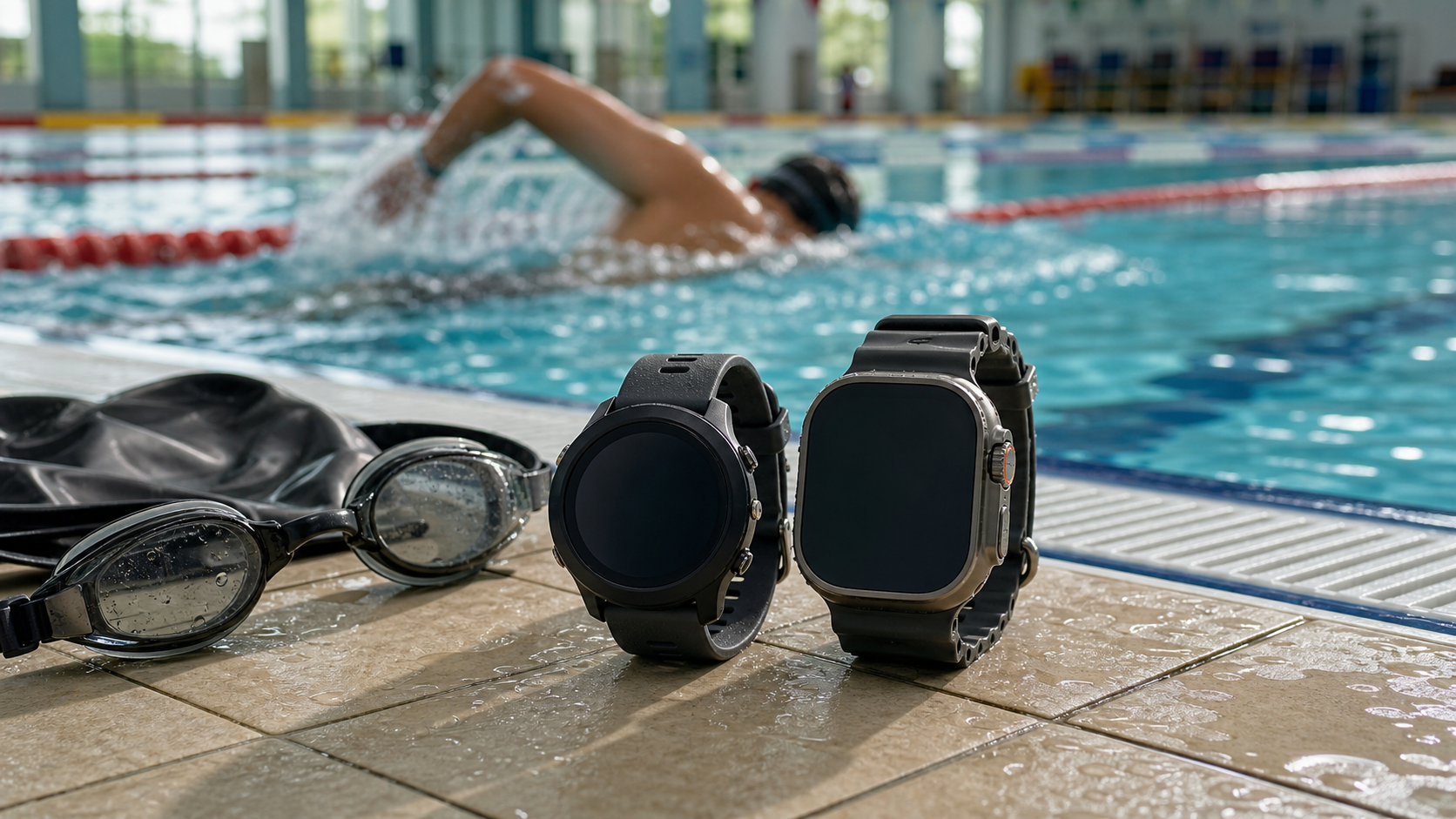
For serious swimmers, a watch with proper swim-tracking capability can turn training from “swimming by feel” into “swimming by data.” There are plenty of swim watches on the market, but few actually work accurately in the pool. The Garmin Swim 2 is an entry-level competitive watch built specifically for swimming, while the Apple Watch Ultra is the all-around sports watch that has generated enormous buzz in recent years. The two sit at similar price points, yet take very different approaches to functionality.
Core Specs Comparison
| Spec | Garmin Swim 2 | Apple Watch Ultra 2 |
|---|---|---|
| Water resistance | 5 ATM | 100 m (EN 13319) |
| Screen size | 30.4 mm | 49 mm |
| GPS | Yes (open water) | Yes (dual-frequency GPS) |
| Open water swimming | Supported | Supported |
| Pool swim tracking | Supported (professional-grade) | Supported |
| Stroke-type detection | 4 strokes, automatic | 4 strokes, automatic |
| Stroke count accuracy | High | Moderate |
| SWOLF calculation | Supported | Supported |
| Heart rate monitoring | Optical HR (swim mode) | Optical HR (swim mode) |
| Battery life (swim mode) | About 13 hours | About 10-12 hours |
| Taiwan price | NT$7,000-9,000 | NT$28,000-30,000 |
Garmin Swim 2 In-Depth Review
Pool Swim Tracking Strengths
The Garmin Swim 2’s core strength lies in its swim-optimized algorithms. Paired with LENS (Garmin’s swim-specific sport algorithm), it can precisely identify:
- Automatic lap counting: Laps are counted automatically after a pool-wall flip turn, and it still tracks correctly even for swimmers with imperfect turn technique
- SWOLF score: A combined efficiency metric of stroke count and time, used to quantify technical improvement over time
- Rest detection: Automatically pauses timing when resting at the wall, and resumes automatically once you push off again
- Stroke Rate (SR): Real-time monitoring of strokes per minute
Open Water Tracking
- GPS track logging, with post-swim route review available in the Garmin Connect app
- Distance Per Stroke tracking
- Water temperature sensor (optional Tempe sensor)
Weaknesses
- Lower screen resolution than the Apple Watch, with a plainer interface
- Ecosystem is limited to Garmin Connect, with limited iPhone integration
- App extensibility falls short of the Apple Watch
Apple Watch Ultra 2 In-Depth Review
Swim Feature Strengths
- Large, easy-to-read screen: A 49 mm titanium case paired with a high-brightness OLED display stays legible even underwater
- WatchOS ecosystem: A rich selection of third-party swim apps (such as MySwimPro and Swimtopia)
- Deep-water mode: 100 m water resistance rating, suitable for freediving enthusiasts
- Blood oxygen and ECG: Comprehensive health-monitoring features
Swim Accuracy Analysis
The Apple Watch Ultra’s swim-counting accuracy has improved significantly in recent years, but errors can still occur in the following situations:
- For swimmers with asymmetric strokes or still-developing technique, the stroke-type misidentification rate is roughly 5-10%
- Lap counts can occasionally be over- or under-counted at turns (mainly in short 25 m pools)
- Swimmers with a one-sided breathing habit sometimes see undercounted stroke totals
Weaknesses
- Relatively weak battery life: The Apple Watch’s daily battery life is shorter than Garmin’s, and heavy users may need to charge it every day
- Less swim-specialized than Garmin: SWOLF display is less intuitive, and it lacks some of Garmin’s more advanced swim metrics
- Large price gap: For comparable functionality, the Ultra 2 costs roughly 3 times as much as the Swim 2
How to Choose
Choose the Garmin Swim 2 if you:
- Swim as your primary sport and want the most accurate pool tracking available
- Have a limited budget but still need reliable swim data
- Are already in the Garmin ecosystem (already using the Garmin phone app)
- Do triathlon and need full swim + run + bike tracking (paired with the HRM-Tri)
Choose the Apple Watch Ultra 2 if you:
- Swimming is just one of several sports you do, and you want a true all-around watch
- Are deeply invested in the iPhone ecosystem and want your health data integrated into Apple Health
- Need water resistance for diving or deep-water activities
- Have a generous budget and value a feature-rich watch face
Interpreting Practical Training Data
Regardless of which watch you use, the following metrics are the core indicators for swim training:
- SWOLF: Stroke count + time — the lower the number, the more efficient your swimming; a drop in SWOLF over the same distance indicates technical improvement
- Distance Per Stroke (DPS): The longer this is, the more distance you cover per stroke
- Stroke Rate (SR): Combined with DPS, this lets you calculate speed: V = DPS x SR
Conclusion
For those whose training is primarily swimming, the Garmin Swim 2 has the edge in swim accuracy and specialized features, and it’s reasonably priced. The Apple Watch Ultra 2 is the ideal choice for all-around athletes, but to get the most out of its swim tracking, you’ll want to pair it with a dedicated app. Ultimately, the right choice comes down to your phone ecosystem, how varied your training is, and your budget.
Related Reading
- Comprehensive Comparison of Smart Swim Watches: Garmin vs. Apple Watch Swim Tracking Features
- Apple Watch vs Garmin Running Features Head-to-Head: Which Watch Suits Taiwan Runners Best?
- Choosing a Swim Training Watch: Garmin vs SUUNTO Swim Mode Comparison
- Lap Counters and Pool Stopwatches: A Feature Comparison and Buying Guide
Apple Watch 3 值得 買嗎!? 實測 單車車錶 遙控相機 Zwift 心律連線 Apple Pay 全聯買菜 GoPro 遙控
8 年前
Garmin Edge 540/840 Solar 台灣首發開箱!完整車錶功能 道路實測 / ClimbPro 爬坡提示超級牛 / 強大續航實測 / 公路車 / CT Yeh
3 年前
Garmin Edge 1050 旗艦車錶 全台首測!/ 環法冠軍指定 / 對比Edge 1040改進哪些? / 公路車 / CT Yeh
2 年前
全台首發神車錶! iGPSPORT iGS630 兩趟一日北高的續航! 超強導航、功率訓練、超人性APP! Garmin & Bryton 有對手了嗎? | 公路車 |CT Yeh
3 年前
首發 Garmin Edge 850 車錶 深入開箱!? / 公路車 / CT Yeh
10 個月前
2025 自行車錶排行榜 兩萬車友大數據 / Garmin Bryton 排名會大洗牌嗎? / 全新的碼表前身分析 /公路車 / CT Yeh
1 年前
車錶新黑馬? / 超狂續航 / 超好用錶冠 / 無敵準定位 / Dash圖表合成!?/ COROS DURA 評測!/ 公路車 / CT Yeh
2 年前
Bryton Rider S500 全面實測 有什麼缺點嗎?| CT Yeh | 公路車 車錶
4 年前