文章導覽
The Complete SRAM AXS System Setup Guide
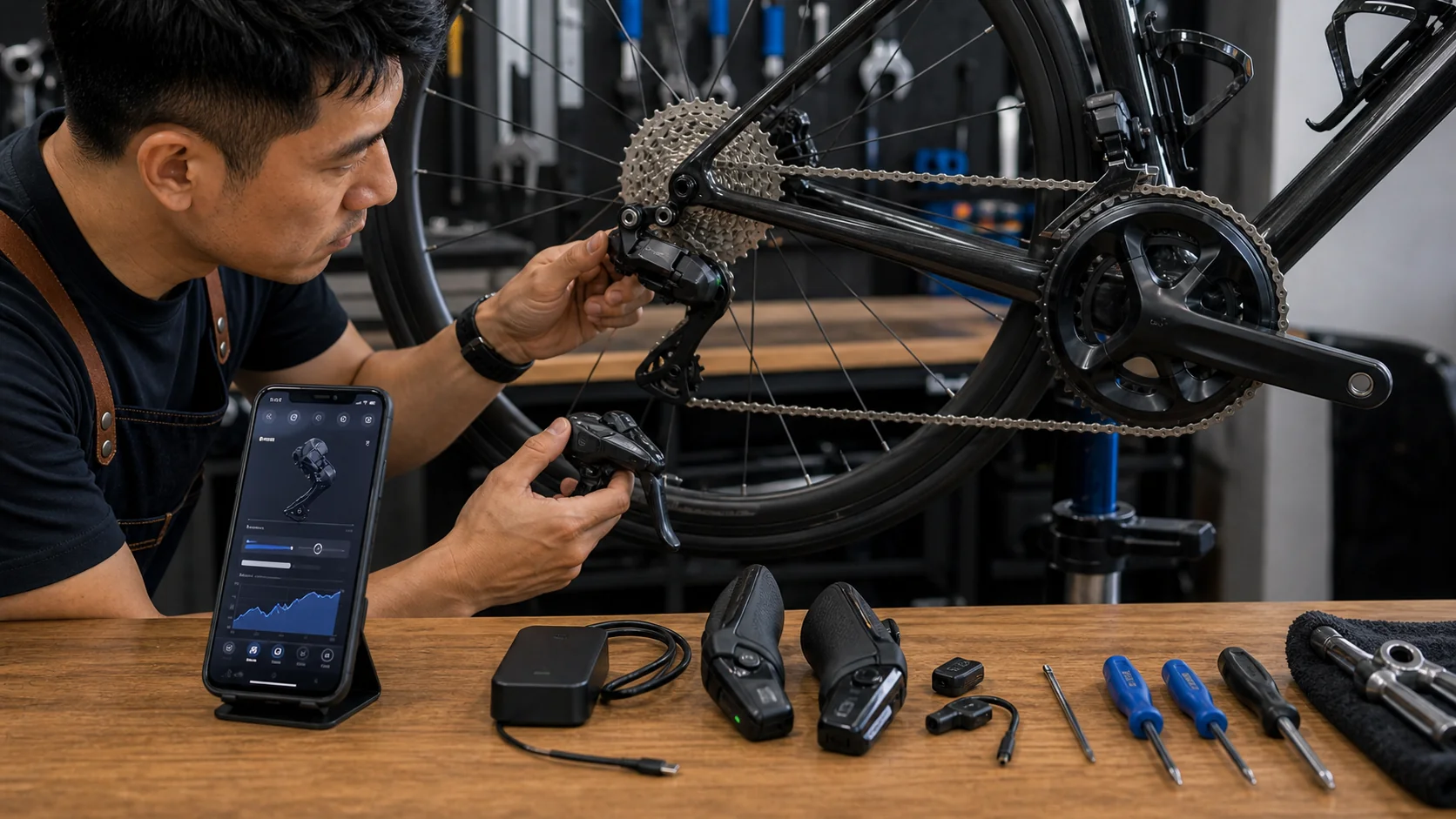
SRAM AXS wireless electronic shifting is known for its clean control logic and wireless design. Compared to the complex button customization of Shimano Di2, AXS setup logic is more intuitive — but dig deeper and you’ll find it offers just as much room for customization. This article covers every function and setting trick in the AXS App.
AXS App Basic Operation
Download and Pairing
- Download the SRAM AXS App (iOS / Android)
- Make sure all AXS components are awake (press any shift button)
- Open the App’s Bluetooth search — the system will automatically detect nearby AXS components
- Add all components (front derailleur, rear derailleur, shifters) to the same “Bike Profile”
Main App Function Areas
| Function | Description |
|---|---|
| My Garage | Manage all paired AXS components |
| Bike Profiles | Create component combinations for different bikes |
| Component Info | View firmware version, battery level, and usage stats for each component |
| Personalize | Customize button functions and shift modes |
| Firmware | Manage firmware updates |
AXS Button Configuration
Default Control Logic
The AXS shifter (hood) has two independent buttons, with this default configuration:
| Action | Function |
|---|---|
| Left shifter button | Front derailleur shift (big ↔ small chainring) |
| Right shifter top button | Rear derailleur: easier gear (toward larger cog) |
| Right shifter bottom button | Rear derailleur: harder gear (toward smaller cog) |
| Left + Right pressed together | AXS function trigger (customizable) |
AXS design philosophy: left hand controls the front derailleur, right hand controls the rear — simple and intuitive. This is quite different from Shimano’s design, which uses two directions on each side.
Customizable Button Options
On the Personalize page in the AXS App, you can reassign each button to:
- Rear derailleur shift up / down
- Front derailleur shift
- Compensating shift up / down
- No function
Compensating Mode (Automatic Gear Ratio Compensation)
This is AXS’s most important smart feature, similar to Shimano’s Semi-Synchro.
How It Works
When you press the front derailleur shift button, the rear derailleur automatically adjusts to maintain a similar gear ratio.
Example:
- Current: 48T chainring × 15T cog (ratio 3.2)
- Shift to 35T chainring
- Rear derailleur automatically jumps from 15T to 11T (ratio 3.18)
- Result: cadence stays nearly the same, and the transition is very smooth
Compensating Settings
| Setting | Description |
|---|---|
| Off | Front and rear shifting are completely independent |
| 1 gear | Rear compensates by 1 gear when front shifts |
| 2 gears | Rear compensates by 2 gears when front shifts |
| 3 gears | Rear compensates by 3 gears when front shifts |
| Auto | System automatically calculates the optimal compensation |
Recommendation: Most riders can simply use Auto — the system calculates automatically based on your gear ratio setup. If you feel the compensation is too much or too little, switch to a manual fixed number of gears.
Sequential Shift Mode
The AXS 12-speed system supports Sequential mode, arranging all gear ratios into one continuous sequence:
- The system calculates all front/rear gear ratio combinations
- Removes overlapping ratios
- Arranges them from lightest to heaviest into one continuous sequence
- The rider only needs to shift “up” or “down” — the system automatically decides whether to shift the front or rear derailleur
How to enable: In the AXS App → Personalize → Shift Mode → Sequential
Pros: Simplest to operate, no need to think about front/rear shifting at all
Cons: Front shift timing is fixed, which may not suit your needs on climbs
Multi-Shift Settings
AXS Multi-Shift
Holding down a shift button triggers continuous shifting, which can be adjusted via:
- Continuous shift speed: Fast / Medium / Slow
- Trigger delay: how long you must hold the button before continuous shifting begins
Setting path: AXS App → Personalize → Multi-Shift
AXS Blips Auxiliary Buttons
The AXS system supports additional Blips satellite buttons, which can be installed on:
- TT extensions: for shifting in a time-trial position
- Tops of the handlebar: for shifting while climbing in a hoods-up grip
- Frame tubing: for special needs
Each Blips button can be independently configured in the AXS App.
Battery Management
Checking Battery Level
The AXS App shows the exact battery percentage for each component:
| Component | Battery Type | Battery Life |
|---|---|---|
| Rear derailleur | eTap rechargeable battery | About 60 hours of riding |
| Front derailleur | eTap rechargeable battery | About 60 hours of riding |
| Shifter (12-speed) | CR2032 coin cell | About 2 years |
Power-saving tip: AXS components automatically go to sleep after about 5 minutes of inactivity, and wake up when any button is pressed. If not using the bike for an extended period, it’s best to remove the batteries.
Battery Interchangeability
The rechargeable batteries for the front and rear derailleurs are completely identical and interchangeable — one of AXS’s biggest advantages. On long rides, you can carry one spare battery and swap it into whichever derailleur runs low.
Firmware Updates
Update Process
- Open the AXS App → Firmware page
- The system automatically detects available updates
- Update each component in sequence (recommended order: shifters → front derailleur → rear derailleur)
- Each update takes about 2-5 minutes per component
- After updating, it’s recommended to re-calibrate the front derailleur position
Update Precautions
- Make sure battery level is above 30%
- Do not close the App or move out of Bluetooth range during the update
- If an update fails, hold the button on the battery for 10 seconds to reset, then retry
- Major firmware updates may add features or improve shifting performance, so it’s a good idea to check periodically
AXS System Troubleshooting
| Issue | Possible Cause | Solution |
|---|---|---|
| Cannot pair | Component asleep | Press any button to wake it |
| Shift delay | Low battery | Charge or replace the battery |
| Front derailleur unresponsive | Not properly paired | Re-pair in the App |
| Ghost shifting | Firmware issue | Update to the latest firmware |
| Rough shifting | Mechanical issue | Check limit screws and B-tension |
Recommended Setup Configurations
General Road Riding
- Buttons: default configuration (left front, right rear)
- Compensating: Auto
- Multi-Shift: Medium speed
Race Mode
- Buttons: left button reassigned to rear multi-downshift (for quick acceleration)
- Compensating: 2 gears
- Multi-Shift: Fast speed
Climbing-Oriented
- Buttons: default
- Compensating: Off (manual control of front shift timing)
- Multi-Shift: Slow speed (to avoid overshooting)
The AXS system’s setup is simple but not simplistic. It’s recommended to regularly check component status and battery levels via the App, and confirm all components are properly connected before every important ride.
Related Reading
- The Complete Electronic Shifting Troubleshooting Manual: Common Issues and Solutions for SRAM AXS and Shimano Di2
- The Complete Guide to Wireless Electronic Shifting Battery Management: Maintenance for SRAM AXS, Shimano Di2, and Campagnolo EPS
- In-Depth Review of the SRAM Rival eTap AXS: An Affordable Entry Point into Wireless Shifting
- Electronic Shifting System Maintenance: Key Points on Battery Management and Firmware Updates